How To Play
AI Hair Color Changer is simple to use and works like a quick virtual makeover tool. You upload a
clear photo, choose the hair color you want to try, let the AI generate the new look, and then compare
the result before downloading or sharing it.
1. Upload a Clear Photo
Start by uploading a portrait photo where your hair is visible and the lighting is clear. Front-
facing or slightly angled photos usually give better results because the AI can recognize the hair area
more accurately.
2. Choose a Hair Color
Select the hair color you want to test. You can try natural shades like black, brown, blonde, or
red, or experiment with bold colors like pink, blue, silver, or other trendy looks.
3. Let the AI Apply the New Look
Once you choose a color, the AI analyzes the hair area and applies the new shade to your photo. This
lets you preview how the color may look without needing to dye your hair in real life.
4. Compare Different Styles
Try multiple colors to compare which one fits your face, skin tone, and personal style best. This is
useful if you want inspiration before a makeover or salon visit.
5. Save or Share the Result
After finding the version you like most, you can save the final image or share it with friends,
stylists, or on social media.
FAQ
What is AI Hair Color Changer?
AI Hair Color Changer is an online tool that lets users preview different hair colors on a photo
using artificial intelligence. It helps you test new looks quickly without making permanent changes.
How does AI Hair Color Changer work?
The tool detects the hair area in your uploaded image and digitally applies a new color. The goal is
to create a realistic preview while keeping the rest of the photo as natural as possible.
What kind of photo works best?
Clear portrait photos with visible hair, decent lighting, and minimal blur usually produce the best
results. Photos where the hair is heavily covered may be harder for the AI to process accurately.
Can I try both natural and fantasy hair colors?
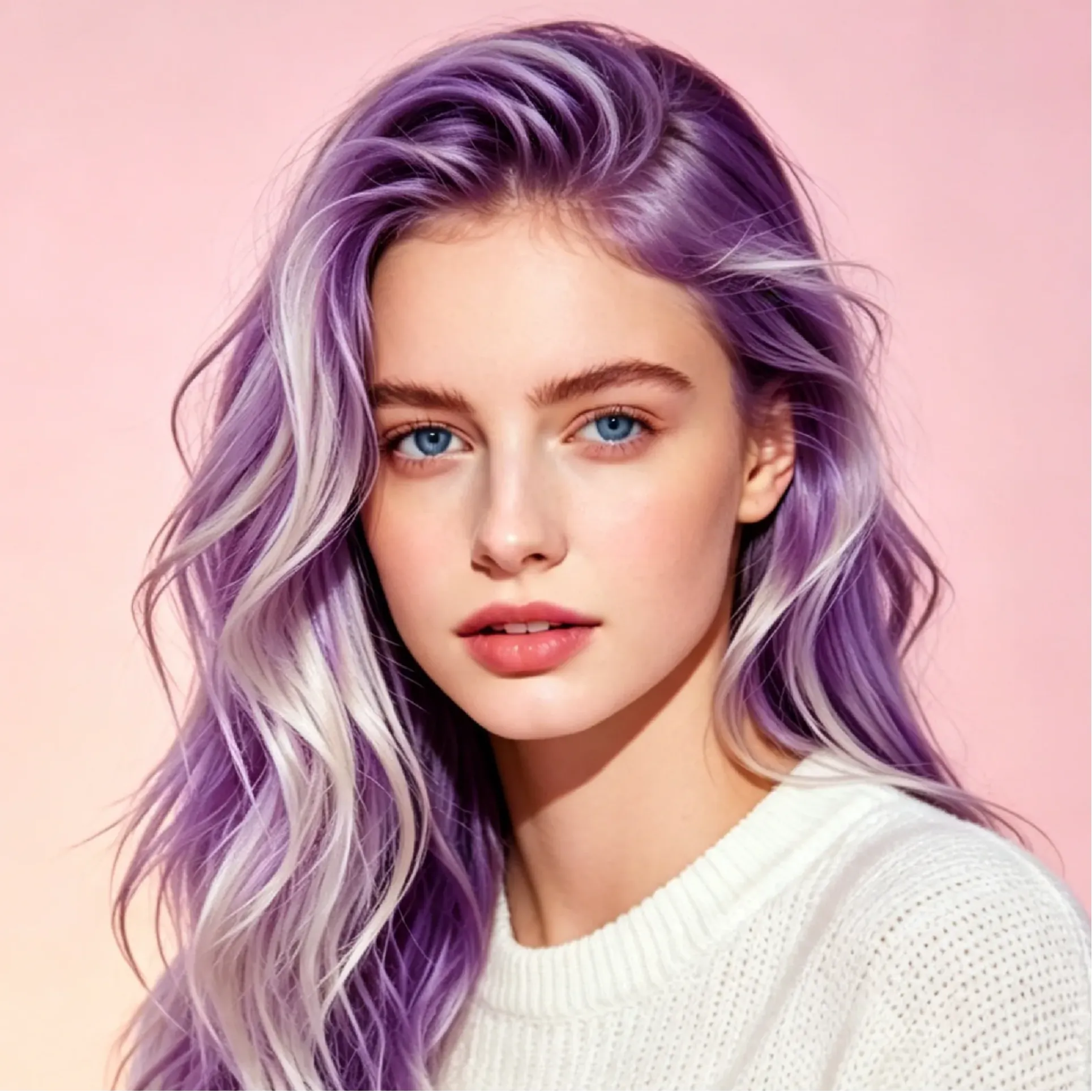
Yes. Most users try both realistic shades like brown or blonde and more creative options like pink,
purple, blue, or silver to explore different styles.
Is this useful before going to a salon?
Yes. It can help you preview possible hair color ideas before choosing a real dye job, which makes
it useful for personal styling decisions and salon planning.
Do I need any editing skills to use it?
No. AI Hair Color Changer is designed to be beginner-friendly. In most cases, you only need to
upload a photo, choose a color, and let the tool generate the preview.
Will it change my face or background too?
The main purpose of the tool is to change the hair color only. A good result should keep the face,
clothing, and background largely unchanged while updating the hair shade.
Can I use it for social media or beauty content?
Yes. Many users try hair color previews for makeover inspiration, beauty posts, creator content, and
shareable before-and-after style ideas.
Is AI Hair Color Changer free to use?
Availability depends on the platform hosting the tool. Some versions may offer free access, while
others may include limits, credits, or premium options.
Why use AI Hair Color Changer instead of editing hair manually?
AI Hair Color Changer is faster and easier than manual photo editing. It gives you a quick preview
of different looks without requiring advanced retouching skills.


-200.webp)


















.webp)



.webp)